Checklist: What to Review Before Publishing a Visual Story
The last hour before a visual story goes live is usually the worst hour. The files are named, the layout looks fine on your laptop, and someone is asking when it will be ready. That is exactly when small errors slip through: a misspelled name, a picture that gives away the ending, a credit that never made it into the template.
A checklist is not bureaucracy. It is how you protect work you spent weeks making, and how you keep a reader's trust for the ninety seconds they give you. Keep this one open in a second tab.
Can You Say the Story in One Sentence?
Before you touch the image order, write a single sentence describing what the story is about, without using the word "and." If it takes three attempts, the edit will take ten. A photo essay about a Saturday market could be about cheap produce, about the vendors who have worked the same corner for decades, or about a neighborhood being priced out of its own square. All three are legitimate. They are not the same story, and they need different pictures.
Keep that sentence at the top of your draft as a filter. Every image either serves it or decorates it. Ask of each frame: what does the reader learn here that they did not know two pictures ago? If the answer is "nothing, but it's beautiful," you have a decision to make. A beautiful frame can stay as a pause, but only one or two of them.
Then decide what changes between the first image and the last. A visual story does not need a plot, but it needs movement: a shift in time, in scale, in mood, in who is looking. Write down your intended closing image before you choose it. Ending on the strongest picture is not always the same as ending on the right one.
Select for Sequence, Not for a Highlight Reel
Most weak portfolios are not weak because the pictures are bad. They are weak because the same picture is there three times: the wide of the room, the medium of the room, and the close-up of the detail, each one slightly flatter than the first. Redundancy is the most common editing problem and the easiest to fix.
Work in thumbnails, all visible at once, so you see rhythm rather than detail. Alternate wide and close, quiet and loud, faces and spaces. If two frames sit side by side and you cannot say why the second follows the first, it is probably in the wrong place or in the wrong story.
Check the technical baseline before anything else:
- Focus and sharpness at the size the image will actually appear, not at 400 percent on your monitor.
- Consistent color and contrast across the set. A sudden shift in warmth reads as an accident unless it is deliberate.
- Nothing distracting at the edges — a stray hand, a bright sign, a pole growing out of a head.
- No accidental repetition of the same face, gesture or composition within five frames.
Captions Do Real Work
A caption reading "A woman walks through the market" under a picture of a woman walking through a market is a wasted line. The image already told us. The caption's job is what the image cannot say: who she is, where this is, when it was made, and why it matters to the story.
In practice: full names on first mention, checked against a written source rather than memory. Place and date on every image that carries them, and no guessing — if you do not know the year, leave it out. Note anything reconstructed, such as "posed for the camera" or "the room was cleared the following morning." Keep tense consistent across the set: present for what is visible, past for events. Put credits and rights lines in the same order every time so nothing gets dropped when a colleague republishes the piece.
Read the captions alone, without the pictures. They should still make sense, and they should still tell a story rather than a list of nouns.
Context: The Frame Around the Frames
Readers rarely meet an image alone. They meet it under a headline, beside a pull quote, after a paragraph that told them what to expect. Read the eighty words above your first image and the forty below your last. Does the text promise something the pictures do not deliver — "the last workshop in the city," for instance, when you photographed one of three?
Editing choices are context too. A tight crop on a face changes what the photograph claims. So does order: a closed shop placed right after an empty street reads as cause and effect, even when the two were taken a year apart. If the relationship is not real, separate them or explain it.
With vulnerable subjects — children, patients, people in distress — context includes what the reader needs in order to read the image fairly, and what the subject needs in order not to be reduced to a symbol. A useful test: would the person in the frame recognize the story being told about them?
Permissions, Credits and Consent
This is the part people leave until ten minutes before publishing, and the part that causes the most trouble afterward. Editorial use and commercial use are different things, and a picture that is fine for a magazine feature may not be fine for an advertisement or a sponsored post. If the story sits anywhere near promotion, stop and check what you actually have.
Worth confirming, in writing, before publishing:
- Who took the image, and whether you have the right to publish it in this particular context.
- Whether identifiable people gave consent, and whether that consent covers this use — especially for children, and for anyone photographed in a hospital, school, shelter or workplace.
- Whether the location is private property, and whether permission to photograph included permission to publish.
- Whether artwork, posters, screenshots or other protected material appear inside the frame.
- Whether the credit line matches the agreement: photographer, agency, archive, license.
Keep a simple record — a folder or a spreadsheet with file name, source, date, rights, expiry and contact. Future you will need it, and so will whoever republishes or translates the story later. For anything involving contracts, licensing or identifiable people in sensitive situations, ask a lawyer or a rights professional rather than relying on a colleague's recollection.
The Technical Pass
Five minutes, in this order:
- View the whole story on a phone, at default brightness, on mobile data. Most readers will.
- Check the crop of every image at the widths your template actually uses.
- Confirm file names are readable and free of version clutter such as market-04-final-final.jpg.
- Write alt text that describes content and function, not "image of."
- Proof the headline, standfirst and captions by reading them aloud or bottom to top.
- Confirm publish date, time zone, tags, series label and author credit.
The Last Read-Through
Read it once the way a stranger would: from the top, no scrolling back, no fixing as you go. Note where you slowed down or looked away. Those are the places to cut. Then hand it to one person with no stake in it and ask a single question: what do you think this story is about? If their answer matches your one sentence, you are close.
Sleep on it if you can, even for an hour. Publish when you are slightly bored of it; that is usually the sign the work is finished rather than merely done. Keep the checklist where you will actually see it — a pinned note, a shared document, the same place every time. The point is not to slow you down. It is to make sure the story that reaches the reader is the one you meant to tell.
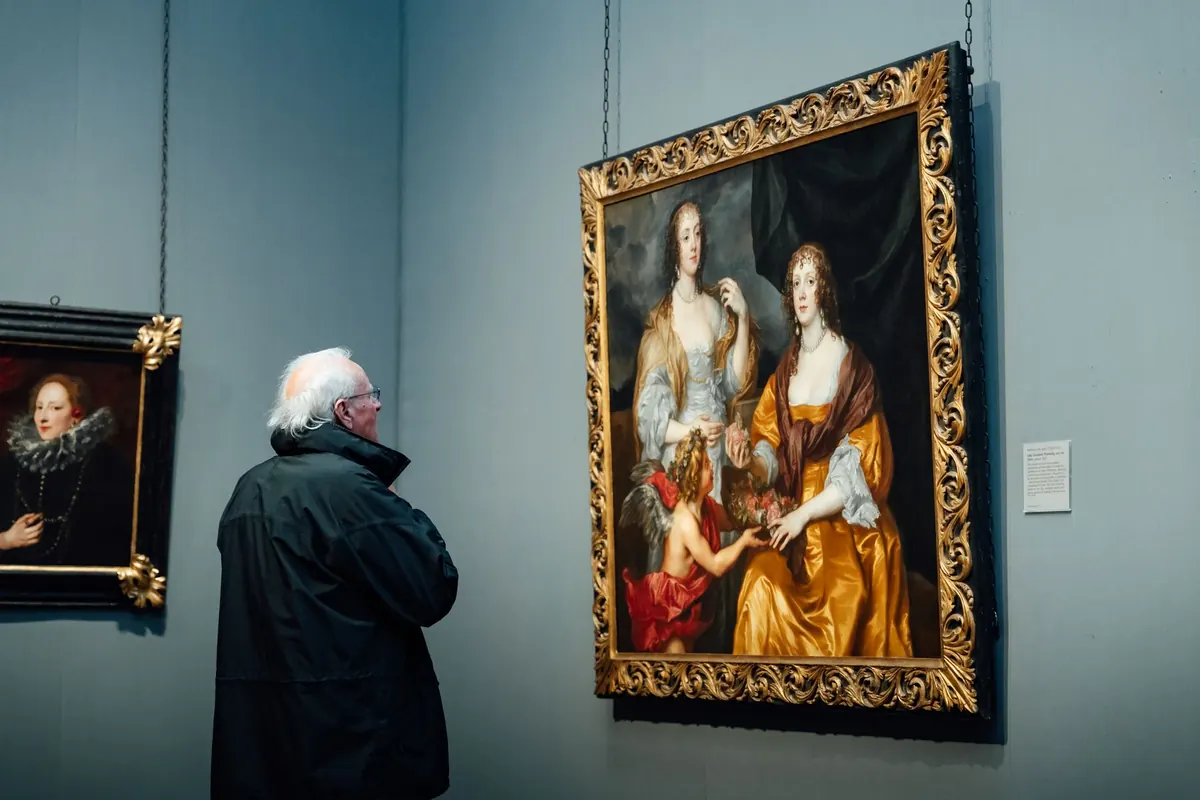
Photo: fotoblend / Pixabay
You Might Also Like
A practical look at when the phone in your pocket beats the camera in your bag for daily visual storytelling — and when it quietly falls short.
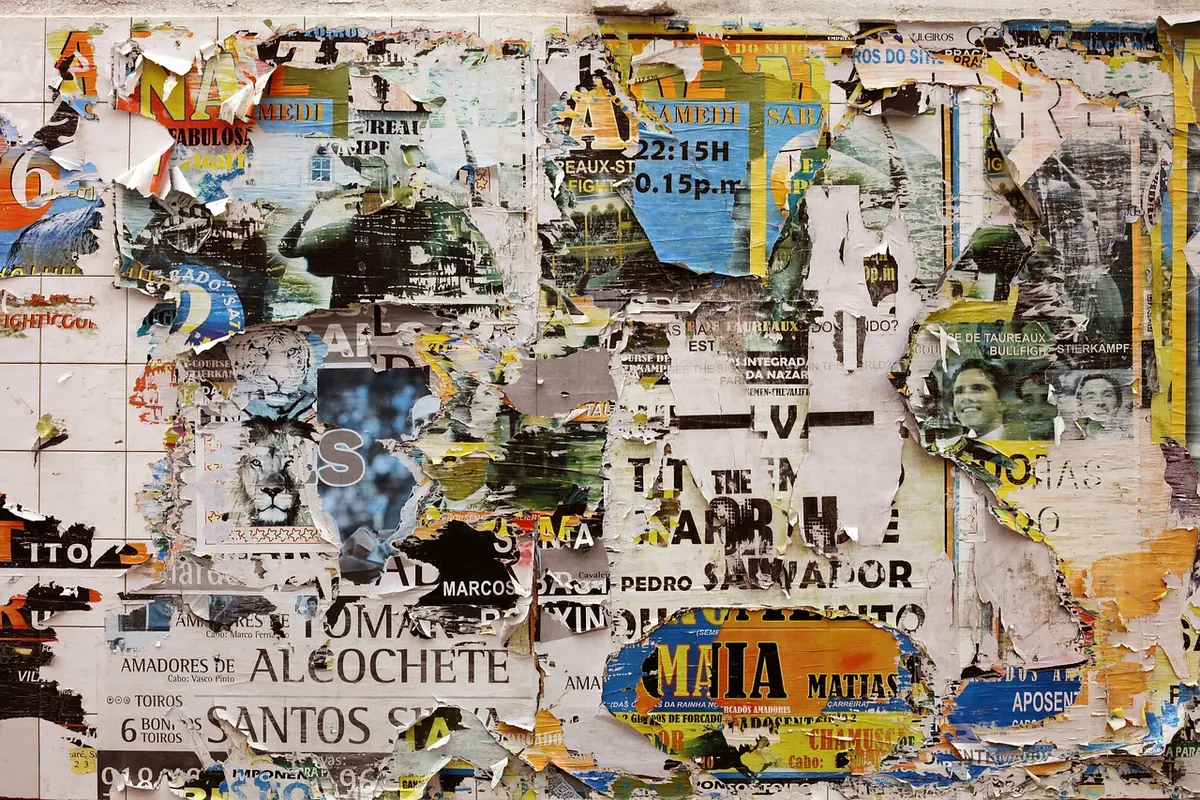
Street posters are the least curated layer of a city’s visual life — a record of who speaks, how loudly, in what typeface, and to whom.